Lineage
Lineage provides a graph of a dataset's relationships (its source, parent datasets, and child datasets) to illustrate how datasets are connected, where the data originates, while tracking its movement and transformations.
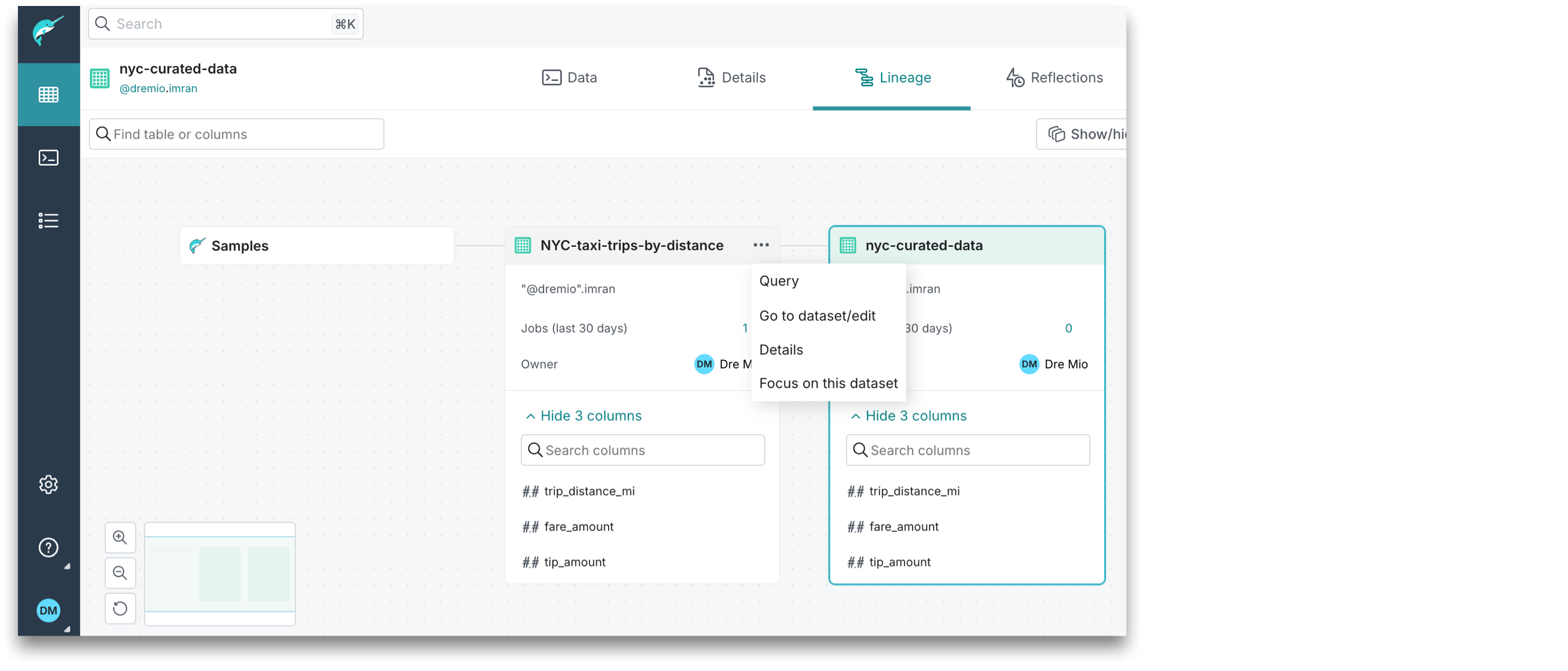
By default, the lineage graph focuses on the initially selected dataset and its relationships with other datasets, represented as nodes that display the dataset name and path. To view additional metadata, use the Show/hide layers options.
If you wish to track lineage for a different dataset node, the lineage graph needs to be refocused. To refocus the lineage graph on a different dataset, you can either click  or
or  on the right of the dataset name, and then select Focus on this dataset.
Privileges Required for Lineage
-
If you have the
SELECTprivilege on the parent datasets and the child datasets, you can see the parent datasets and data sources on the left. The child datasets appear on the right. -
If you have only the
READ METADATAprivilege on the parent and child datasets, then you can only see limited metadata for these datasets. -
If you do not have the
SELECTor theREAD METADATAprivilege on the parent and child datasets, they are not visible.